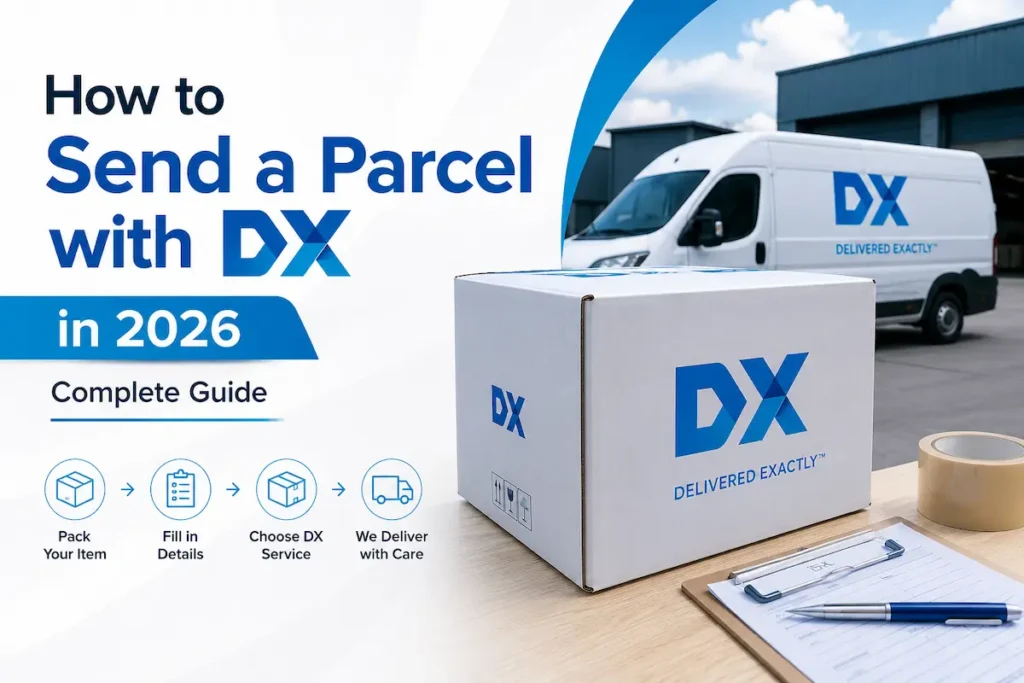
How to Send a Parcel with DX in 2026 — Complete Guide
Once you have sent your parcel with DX, use the DX tracking tool at the top of this page to monitor its progress from collection through to delivery. This guide covers everything you need to know about sending a parcel with DX in 2026 — whether you are an individual sending a single item, a small business booking through a third-party platform, or a business account holder using DX Despatch Manager directly. It covers size and weight limits, packaging requirements, how to get a label without a printer, which booking platform to use, and what happens if DX cannot collect.
Can Anyone Send a Parcel with DX?
DX operates primarily as a business-to-business (B2B) and business-to-consumer (B2C) courier. There are 2 routes for sending a parcel with DX in 2026 depending on your sender type:
Business senders with a DX account access DX directly through DX Despatch Manager at despatch.dxdelivery.com. A DX business account gives you access to the full range of DX services — Express, Freight, Secure, SameDay — with direct billing and volume pricing. To open a DX business account, contact saleshelpdesk@dxdelivery.com.
Individual senders and small businesses without a DX account send parcels with DX through third-party booking platforms — Transglobal Express, Parcel2Go, Interparcel, Parcel Monkey, and similar services. These platforms have commercial agreements with DX that allow them to offer DX services to the public, often at discounted rates compared to standard DX pricing.
The step-by-step guide below covers both routes. If you are an individual or occasional sender, start from Step 2 of the third-party platform route. If you are a regular business sender, the DX Despatch Manager section covers your specific workflow.
DX Parcel Size and Weight Limits 2026
Before booking, confirm your parcel falls within DX’s accepted limits. There are 2 DX services with different limits depending on what you are sending.
DX Express — Standard Parcel Limits
DX Express accepts parcels up to a maximum weight of 25 kg (actual or volumetric, whichever is greater), a maximum length of 200 cm, and a maximum of 10 pieces per shipment.
| Measurement | DX Express Limit |
| Maximum weight | 25 kg (actual or volumetric) |
| Maximum length | 200 cm (2 metres) |
| Maximum pieces | 10 per shipment |
| Volumetric divisor | 5,000 |
How to calculate volumetric weight: Volumetric weight = (Length cm × Width cm × Height cm) ÷ 5,000
If your calculated volumetric weight exceeds the actual weight of the item, DX charges based on the volumetric weight. Always calculate both and use whichever is higher when checking if your parcel falls within the 25 kg limit.
DX Freight — Large and Heavy Item Limits
DX Freight handles items that exceed DX Express limits — including items over 25 kg, over 2 metres in length, irregular dimensions, and awkward shapes. DX Freight is designed to handle large and heavy items that are too large or heavy for standard courier services, offering a next-day delivery service across most of the UK.
DX Freight’s 1-Man service handles items up to 50 kg and up to 6 metres in length. For items beyond these specifications, contact DX directly to confirm suitability.
How to Send a Parcel with DX — Step by Step
There are 2 routes for sending a parcel with DX. Choose your route below based on whether you have a DX business account or are using a third-party platform.
Route 1: Sending via a Third-Party Booking Platform (Individuals and Small Businesses)
There are 5 steps to send a parcel with DX through a booking platform:
- Step 1: Choose your booking platform Go to one of the DX-compatible booking platforms — Transglobal Express (transglobalexpress.co.uk), Parcel2Go (parcel2go.com), Interparcel (interparcel.com), or Parcel Monkey (parcelmonkey.co.uk). All of these offer DX Express and, in most cases, DX Freight services at competitive rates. The platform comparison table later in this guide helps you choose the right one.
- Step 2: Get a quote Enter your parcel’s dimensions, weight, collection postcode, and delivery postcode. The platform calculates the volumetric weight alongside the actual weight and applies the higher of the two. Select DX Express for standard parcels up to 25 kg or DX Freight for larger or heavier items.
- Step 3: Enter delivery details and pay Enter the sender and recipient details — full names, addresses, and postcodes. Pay for the service online. You will receive a booking confirmation by email with your DX tracking reference.
- Step 4: Prepare your parcel and label Print the label from the booking confirmation email and affix it securely to the outside of your parcel. If you do not have a printer, some platforms including Interparcel offer a labelless option where the DX driver brings a barcoded label at the point of collection — confirm this option at the time of booking.
- Step 5: Arrange drop-off or await collection Either drop your parcel off at a DX depot, a DPD drop-off point, or a UPS Access Point — or wait for the booked collection from your address. If using a non-DX collection service, add one working day to the estimated transit time to allow for overnight delivery to the DX depot.
After sending: Track your parcel using the DX tracker at the top of this page with the tracking reference from your booking confirmation.
Route 2: Sending Direct via DX Despatch Manager
There are 4 steps for business account holders using DX Despatch Manager:
- Step 1: Log in to DX Despatch Manager Go to despatch.dxdelivery.com and log in with your DX business account credentials. If you do not have an account, contact saleshelpdesk@dxdelivery.com to open one.
- Step 2: Create your shipment Enter the sender and recipient addresses, parcel weight and dimensions, and select the DX service — Express Standard, Express Secure, Freight 1-Man, Freight 2-Man, or SameDay. The system calculates the service price based on your account rate.
- Step 3: Print your label Print the label directly from DX Despatch Manager. Affix it securely to the largest flat face of your parcel. For multiple pieces in one shipment, each piece requires its own DX label linked to the master shipment reference.
- Step 4: Book collection and hand over Collections run between 9 AM and 5:30 PM. In some areas of London, North West England, and the East Midlands, DX will collect parcels themselves. Outside these areas, collection is arranged through Transglobal Express or you can drop off at a DX depot.
How to Book DX as a Business — DX Despatch Manager
DX Despatch Manager is the official online business portal for DX account holders. DX Despatch Manager is a fast, modern application that lets you despatch and track DX Express services securely and easily.
Key features of DX Despatch Manager in 2026:
For DX Freight consignments, a separate DX Freight Customer Portal handles 1-Man and 2-Man job entry and tracking, accessible through dxdelivery.com/your-dx. An early collection booking system is also available through the same portal for Freight customers needing flexible pickup timing.
If you experience technical issues with DX Despatch Manager — label printing errors, login problems, or software faults — DX provides live IT assistance through the Your DX section at dxdelivery.com/your-dx.
To open a DX business account: Email saleshelpdesk@dxdelivery.com for UK accounts or dublinsales@dxdelivery.com for Republic of Ireland accounts.
Booking Platforms for Sending with DX in 2026
There are 4 main third-party platforms for booking DX parcel delivery in 2026. Each has slightly different pricing, drop-off options, and service availability.
| Platform | DX Services Available | Drop-Off Options | Label Needed? | Best For |
| Transglobal Express | DX Express, DX Freight | DX depots (Feltham, Bromborough), DPD, UPS Access Points | Yes | Regular senders wanting DX direct |
| Parcel2Go | DX Express, DX 48, DX Freight | Collection or drop-off via platform | Yes | Occasional senders comparing prices |
| Interparcel | DX Express, DX Economy, DX Freight | Collection or drop-off | No (labelless available) | Senders without a printer |
| Parcel Monkey | DX Express, DX Freight | Collection or drop-off | Yes | Businesses wanting discounted rates |
So, Interparcel is the best platform if you do not have a printer available — the labelless option means DX brings the barcoded label at collection, removing the need for printing. Transglobal Express is the strongest option for regular business senders who want to ship directly through DX’s network with the full range of DX services.
For the DX service booked through Transglobal Express, parcels are shipped from DX depots in Feltham, London, and Bromborough, Wirral. You can drop your parcel off at the depots or opt for a door-to-door service by booking a collection.
DX Drop-Off Options — How to Get Your Parcel to DX
There are 3 ways to get your parcel into the DX network in 2026, depending on your location and booking platform.
Option 1: Drop Off at a DX Depot
Drop your labelled parcel directly at a DX depot that accepts customer drop-offs. The primary DX Express drop-off depots for third-party bookings via Transglobal Express are:
- Feltham, London — serving Greater London and the South East
- Bromborough, Wirral — serving the North West, Midlands, and beyond
For other DX depot locations, use the depot finder at dxdelivery.com/depot-network with your postcode. Not all DX depots accept walk-in customer drop-offs — always confirm before travelling.
Option 2: Drop Off at a DPD or UPS Access Point
You can also drop off at one of hundreds of DPD drop-off or UPS Access Point locations nationwide. These are typically newsagents, convenience stores, and parcel collection shops — far more accessible than a DX depot for most senders. When booking through Transglobal Express or other compatible platforms, these drop-off options are shown at checkout. Note that if you use a non-DX drop-off point, add one working day to your estimated transit time for overnight delivery to the DX depot.
Option 3: Book a Home or Business Collection
Arrange a DX collection from your front door or business address. DX collects directly from addresses in some areas — specifically parts of London, North West England, and the East Midlands. Outside these zones, collection is arranged through Transglobal Express or a partner carrier, which then delivers your parcel overnight to a DX depot before it enters the DX network.
Booking a DX courier service through a platform is quick and easy — simply get a quote and select the DX service you want to ship with. Collections from your door are typically available Monday to Friday during standard working hours.
DX Parcel Packaging Requirements
DX’s official packaging guidelines make clear that it is your responsibility as the sender to package your parcel correctly. If the item is not correctly packaged the driver may refuse to collect, and if the contents are not protected adequately any claim will be invalidated if damage occurs in transit. Moreover, you could be liable for damage to other customers’ items if damage is caused to them.
There are 5 key packaging rules for sending a parcel with DX:
DX Labels — What You Need to Know
A DX label is generated at the time of booking — either through DX Despatch Manager for business accounts or through your booking platform for third-party bookings.
There are 3 label formats depending on how you book:
Label placement rules:
- Affix the label to the largest flat face of the parcel
- Never place a label over a seam, fold, or tape line
- Cover the label with clear tape to protect the barcode, but do not cover the barcode itself with tape that causes glare
- For multi-piece shipments, each piece requires its own DX label linked to the master consignment reference
What DX Will and Will Not Send
DX accepts the vast majority of standard parcel contents but maintains a list of prohibited and excluded goods. DX does not support shipments of prohibited or restricted goods.
Items DX will not send (non-exhaustive — always check DX’s full prohibited items list at dxlogistics.com before booking):
Items DX handles that most couriers won’t: DX’s particular strength is in Irregular Dimensions and Weight (IDW) items. DX prides itself on handling parcels others won’t, including large and irregularly-shaped items. This includes items up to 6 metres in length via DX Freight 1-Man, and room-of-choice delivery for white goods, large furniture, and heavy home items via DX Freight 2-Man.
If you are unsure whether your item can be sent via DX, contact saleshelpdesk@dxdelivery.com for business account queries or your chosen booking platform for third-party bookings.
DX Parcel Tracking After Sending
Once your parcel has been collected or dropped off, it enters the DX tracking network. There are 2 ways to track it:
Track as the sender
Business account holders track outbound consignments through DX Despatch Manager at despatch.dxdelivery.com, where full tracking history and ePOD are available for all completed shipments. Third-party platform users can track through the platform’s own tracking page using the booking reference number.
Track using the DX tracker
Enter your DX tracking number (9–13 digits for Express or 8 digits for Freight) into the DX tracking tool at the top of this page for live status including depot scans, “Out for Delivery” status, and delivery confirmation.
Tracking number activation
Tracking numbers are not always active immediately after booking — they activate when DX’s system processes the consignment at the depot, typically within a few hours of drop-off or collection. If the tracker shows no result for a newly booked consignment, allow 24 hours before investigating.
DX Proof of Delivery
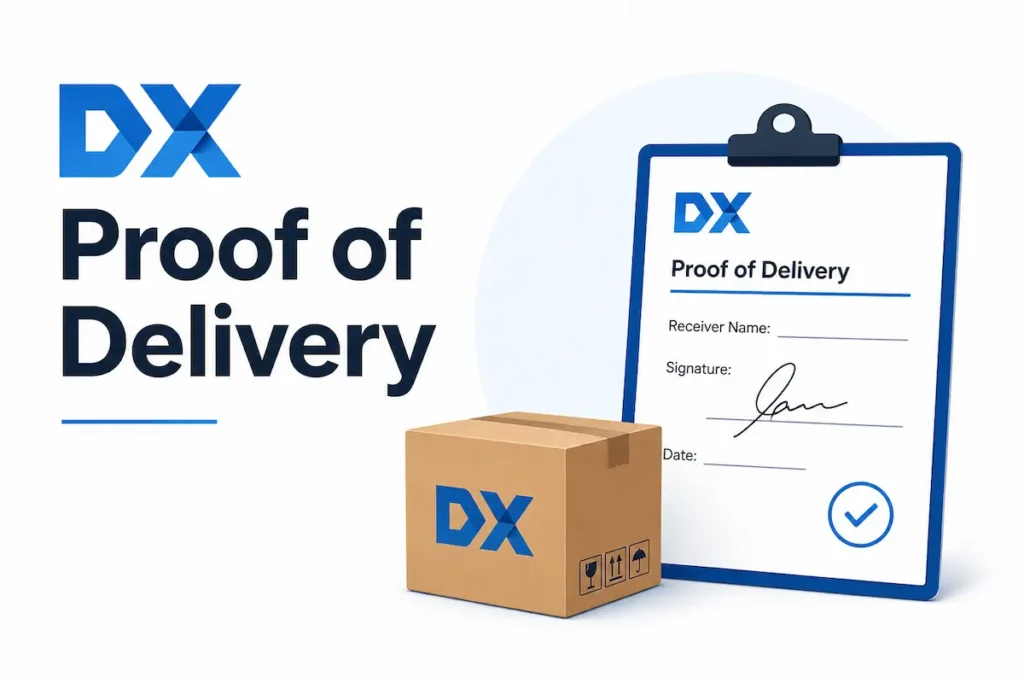
DX provides electronic Proof of Delivery (ePOD) on all standard DX Express consignments. For DX Secure Flex deliveries, the ePOD includes three enhanced elements: a photograph of the delivery, a GPS-stamped location scan, and a three-point door description.
As the sender, you can access ePOD through:
- DX Despatch Manager — ePOD is stored against each completed consignment in your account dashboard
- Your booking platform — platforms like Transglobal Express and Interparcel also surface ePOD through their tracking interfaces
- Contacting DX directly — for specific ePOD requests, contact DX customer service on 0333 241 5700 (Express) or 0333 241 1100 (Freight) with the consignment number
ePOD is important for business senders as it provides legal evidence of delivery for B2B invoicing, dispute resolution, and customer service queries.
Tips for Sending a Parcel with DX
Frequently Asked Questions
Conclusion
Sending a parcel with DX in 2026 is straightforward once you know which route applies to you — a DX business account gives you direct access to DX Despatch Manager and the full service portfolio, while third-party platforms like Transglobal Express, Parcel2Go, and Interparcel open DX services to individual senders at competitive rates. Calculate your volumetric weight before booking, use double-walled packaging for anything heavy, and remove all old labels before affixing your DX label. Once the parcel is on its way, track it in real time using the DX tracker at the top of this page.